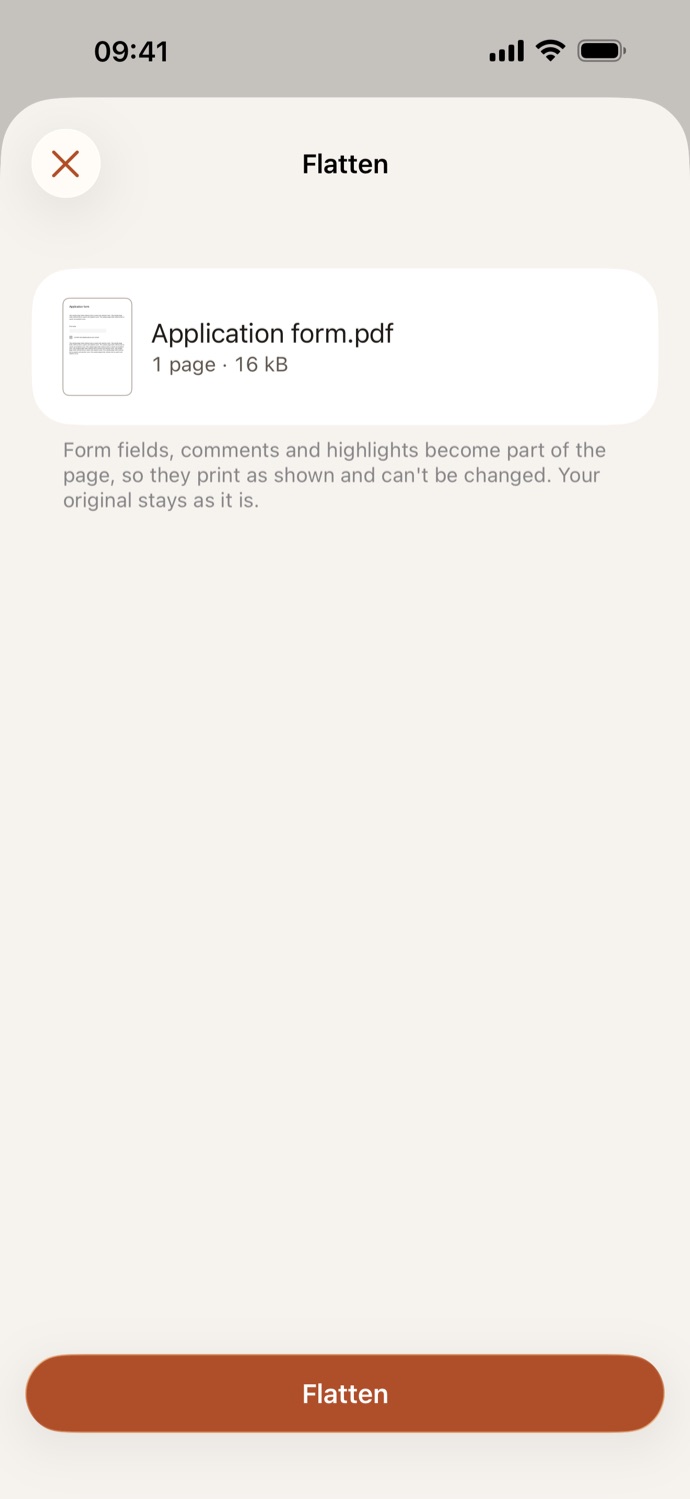
How to flatten a PDF.
Three steps, all on your device.
Pick your PDF
Open Flatten and choose a PDF from Your files in CapsaPDF, or from the Files app. Choose several to flatten them all.
Check what happens
There’s nothing to set. CapsaPDF shows the files you chose and says what flattening does to them.
Flatten
Tap Flatten. The flattened PDF is saved in Your files, ready to share, or to protect, compress or remove its metadata next.
Answers and comments locked in.
- Form fields, comments and highlights become part of the page, so they print as shown and can’t be changed.
- Flatten a filled form before you send it, so nobody can change the answers, or a marked-up draft so the comments print.
- A password-protected PDF? CapsaPDF asks for its password before flattening.
- Filled a form or annotated a PDF in CapsaPDF? Flatten is offered as the next step, and after it Add password and Remove metadata.
Good to know
- Works with
- One PDF, or several at once
- You get
- A new, flattened PDF; your original stays as it was
- Batches
- Several files at once
- Works offline
- Yes: nothing is uploaded
Flattened on your device.
The PDFs people flatten are filled forms: applications, tax forms, contracts, full of names, addresses and numbers. CapsaPDF flattens them on your iPhone or iPad, with no account and no network features, so your answers stay with you. Privacy Policy
Questions.
Are my PDFs uploaded when I flatten them?
No. CapsaPDF flattens the files on your iPhone or iPad and has no network features, so nothing is uploaded and it works offline.
What does flattening a PDF do?
Form fields, comments and highlights become part of the page. They look the same, print as shown, and can’t be changed or removed.
Can I still change a form after flattening it?
Not in the flattened copy. Your original stays as it was, so you can change that one and flatten it again.
Can I flatten several PDFs at once?
Yes. Choose several PDFs and each one is flattened into its own new PDF.
Is flattening PDFs free?
Yes. CapsaPDF is free, with every tool included, no ads and no purchases.