How to scan a document to PDF.
Three steps, all on your device.
Open Scan to PDF
The camera opens straight away. If the camera isn’t available, choose photos or image files instead.
Scan your pages
Hold the camera over each page; the edges are found for you. Scan every page of the document, then save.
Get your PDF
CapsaPDF makes the PDF at once, one page for each scanned page, and saves it in Your files. Make it searchable, crop, compress, sign or protect it next.
From paper to PDF, on your device.
- The edges are found and the perspective fixed, so each page comes out straight, in the scan’s proportions, with no margins.
- Scan a signed contract, receipts for an expense claim, or a letter you need to keep.
- If the camera stops before the scan is finished, CapsaPDF tells you, so you can scan again.
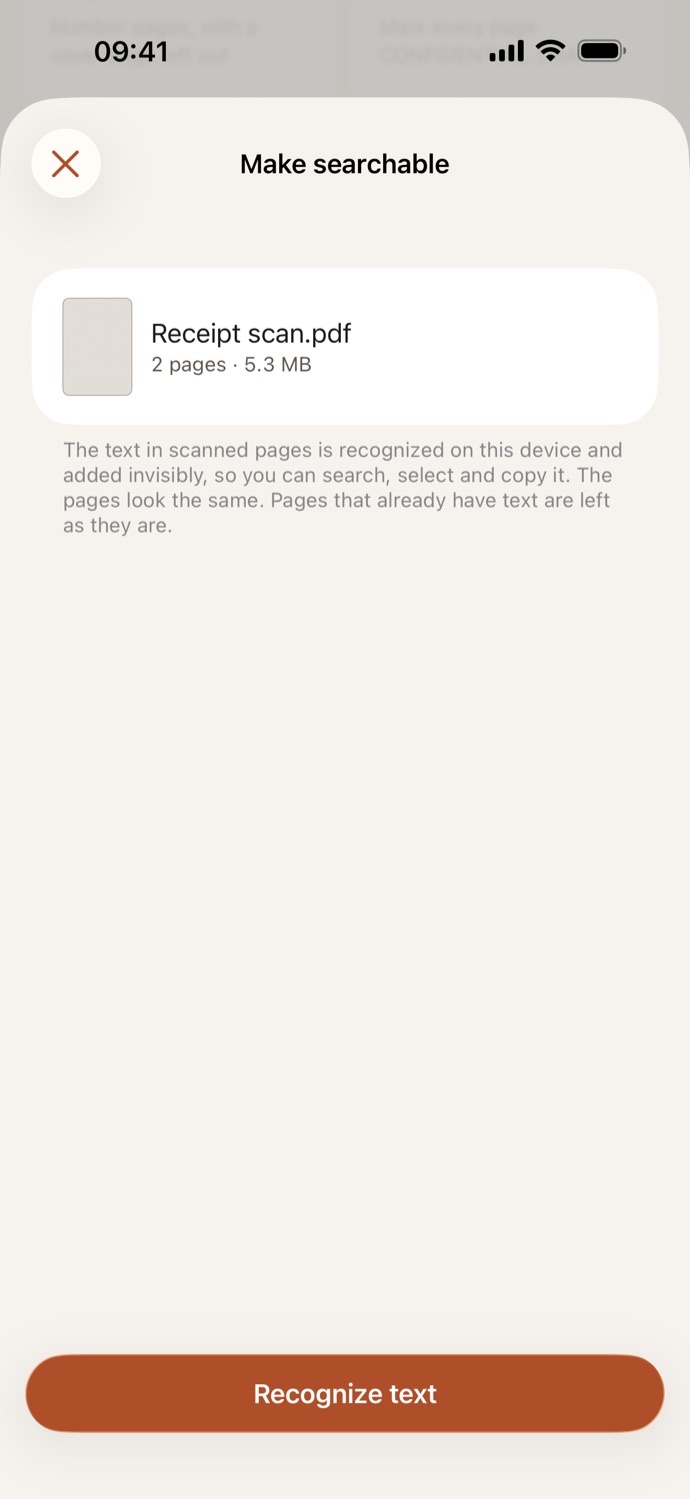
- A scan is a picture of the page. Make searchable adds its text, in your device’s languages as well as English and Polish, so you can search and copy it.
Good to know
- Works with
- The camera; or photos and image files
- You get
- One PDF, one page per scan, in Your files
- Siri
- Say “Scan a document with CapsaPDF”
- Works offline
- Yes: nothing is uploaded
Scanned on your device.
People scan IDs, signed contracts, receipts and letters from the doctor. CapsaPDF turns them into PDFs on your iPhone or iPad, with no account and no network features, so your scans never leave your hands. Privacy Policy
Questions.
Are my scans uploaded?
No. CapsaPDF scans the pages and makes the PDF on your iPhone or iPad. It has no network features, so nothing is uploaded and it works offline.
Can I scan several pages into one PDF?
Yes. Scan every page in one go; each scanned page becomes one page of the PDF, in the order you scanned them.
Can I search the text in a scan?
Not straight away: a scan is a picture of the page. Tap Make searchable on the result, and CapsaPDF recognizes the text on your device, in the languages your iPhone or iPad is set to, along with English and Polish.
Can I make a scanned PDF smaller?
Yes. Tap Compress PDF on the result to make the scan smaller to send.
Is scanning to PDF free?
Yes. CapsaPDF is free, with every tool included, no ads and no purchases.