How to convert Word to PDF.
Three steps, all on your device.
Choose the document
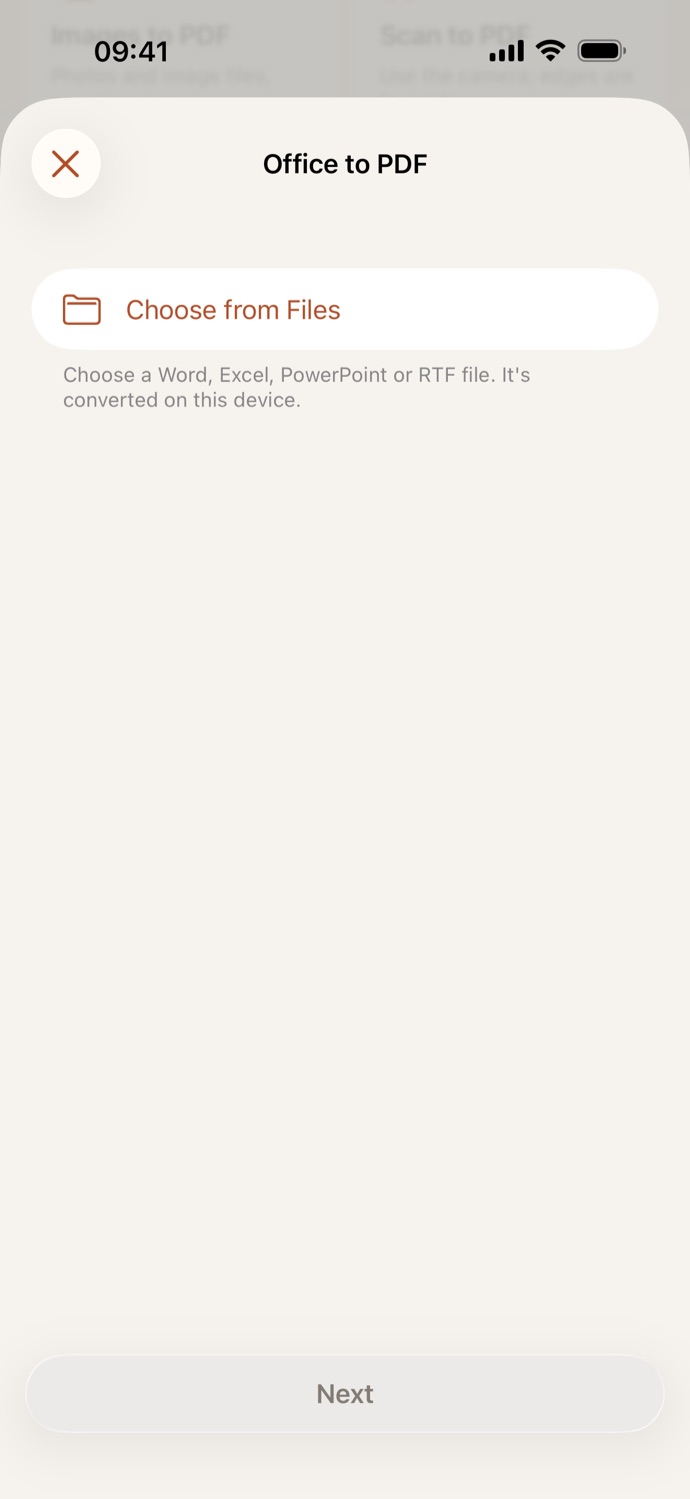
Open Office to PDF, tap Choose from Files and pick a Word, Excel, PowerPoint or RTF file.
Pick the page size
Choose A4 or US Letter. A4 is set to start.
Make the PDF
Tap Make PDF. The PDF is saved in Your files, ready to share, or to compress, number, sign or protect next.
Office files as PDFs, ready to send.
- Word (.docx and .doc), Excel (.xlsx and .xls), PowerPoint (.pptx and .ppt) and RTF files, laid out on A4 or US Letter pages.
- Send a CV, an invoice or a report as a PDF anyone can open.
- Pictures linked from the web, rather than stored in the file, are left out: CapsaPDF makes no network connections, even while converting.
- Go on from the result: compress it, add page numbers, sign it or add a password.
Good to know
- Works with
- One Word, Excel, PowerPoint or RTF file at a time, from the Files app
- You get
- A new PDF in Your files; your document stays as it was
- Works offline
- Yes: nothing is uploaded
Converted on your device.
Online converters upload your document to their servers to turn it into a PDF. CapsaPDF converts it on your iPhone or iPad, with no account and no network features, so your CV, contracts and spreadsheets never leave your hands. Privacy Policy
Questions.
Is my Word document uploaded to convert it?
No. CapsaPDF converts it on your iPhone or iPad and has no network features, so nothing is uploaded and it works offline.
Can I convert Excel and PowerPoint files too?
Yes. Office to PDF takes Word, Excel and PowerPoint files, in their current and older formats, and RTF files.
Will the PDF look exactly like the document?
Close to it. Layouts can differ a little from Word, Excel or PowerPoint, especially for complex slides and sheets, so check the PDF before you send it.
Can I convert a password-protected document?
No. CapsaPDF can’t open a document protected with a password. Save a copy without the password in the app that made it, then convert that.
Is converting Word to PDF free?
Yes. CapsaPDF is free, with every tool included, no ads and no purchases.